Want more mods for Aviassembly? Explore our entire collection!
Workshop Fix
"Load subscribed Steam Workshop planes from the hangar again."
How do I install Workshop Fix?
Download the free ProjectMods desktop app, then install Workshop Fix for Aviassembly in one click.
</>What does Workshop Fix do?
If your Aviassembly workshop tab stays greyed out or empty even after subscribing to planes on Steam, Workshop Fix is for you. Keep the mod enabled, open the plane load menu, and switch to Workshop. Your subscribed community designs should appear in the list so you can pick one and load it into the hangar. Subscribed to something new on Steam? Press Refresh Workshop Planes, then open the load menu again. Use Open Steam Workshop to browse and subscribe to more community planes.
</>What is Workshop Fix?
Aviassembly players who subscribe to community planes on Steam Workshop sometimes cannot open the workshop tab or see an empty list in the hangar. Workshop Fix brings that back: keep it enabled, open Load, switch to Workshop, and your subscribed designs should appear. Refresh Workshop Planes after a new subscription, or use Open Steam Workshop to find more planes to subscribe to.
</>Common questions about Workshop Fix
What does Workshop Fix do in Aviassembly?
Workshop Fix restores Steam Workshop plane loading in Aviassembly when the hangar will not show your subscribed community designs. With the mod enabled, open the plane load menu, switch to Workshop, and the planes you subscribed to on Steam should appear in the list. Pick one and press Load like any saved design. Workshop Fix is for players who already use Steam Workshop subscriptions and want those planes back in-game through ProjectMods.
Can I browse and subscribe to new workshop planes in-game?
Yes. Press Open Steam Workshop in the mod panel to jump to the Aviassembly Steam Workshop page, where you can browse community planes and subscribe to the ones you want. After subscribing, press Refresh Workshop Planes, then open the hangar load menu and switch to the Workshop tab. Your new subscription should appear in the list once Steam has finished downloading it. Workshop Fix does not replace Steam — you still subscribe there — but it makes it much easier to get those planes into Aviassembly once you have them.
How do I load a workshop plane with this mod?
Turn on Workshop Fix Enabled, make sure Steam is running, and load into Aviassembly as usual. Open the plane load menu from the hangar, click the Workshop tab, and wait a second for the list to fill. Click the plane you want, then press Load. If the list is still empty the first time, press Refresh Workshop Planes in the mod panel, return to the load menu, and open the Workshop tab again. The mod does not create workshop items for you — it only helps you load designs you already subscribed to on Steam.
When should I use Refresh Workshop Planes?
Press Refresh Workshop Planes after you subscribe to a new community plane on Steam, after you unsubscribe and subscribe again to fix a broken item, or when you return to Aviassembly after browsing the workshop in Steam for a while. One press is usually enough once Steam has finished its own download. You do not need to spam it during normal play because opening the load menu on the Workshop tab already refreshes the list while the mod is enabled. Use it when you know your subscription changed and the hangar has not caught up yet.
Can Workshop Fix upload my planes to Steam?
No. Workshop Fix only helps you load plane designs you already subscribed to on Steam Workshop. Uploading your own builds still uses Aviassembly's normal workshop upload option in the hangar. The mod does not change Steam rules, moderation, or who can see an item. If an author removes a design or Steam takes it down, it will not appear in your list. You still need to subscribe on the Steam Workshop page or in the Steam overlay before a plane can show up in Aviassembly.
What options does Workshop Fix include?
Workshop Fix Enabled
Keeps Steam Workshop plane loading working while you play.
Refresh Workshop Planes
Update the load list with every workshop plane you are subscribed to on Steam.
Open Steam Workshop
Open the Aviassembly Steam Workshop page to browse and subscribe to community planes.
How To Use
Keep Workshop Fix Enabled on while you play. Open Load in the hangar, switch to Workshop, and pick a subscribed plane. After subscribing to something new on Steam, press Refresh Workshop Planes, then open the load menu again.
Workshop Fix for Aviassembly on ProjectMods restores Steam Workshop plane loading so subscribed community designs appear in the hangar load list and can be loaded like your own saves.
System Requirements
What features does Workshop Fix include?
- Makes the Workshop tab usable again in the hangar plane load menu.
- Shows subscribed Steam Workshop plane designs in the load list.
- Includes Refresh Workshop Planes for new subscriptions and Open Steam Workshop to browse more.
Best For
- Load SR-71, fighter jets, and other community planes you already subscribed to on Steam.
- Fix a greyed-out Workshop tab that will not switch away from Local.
- Pull in a plane you just subscribed to without restarting Aviassembly.
More Mods for Aviassembly
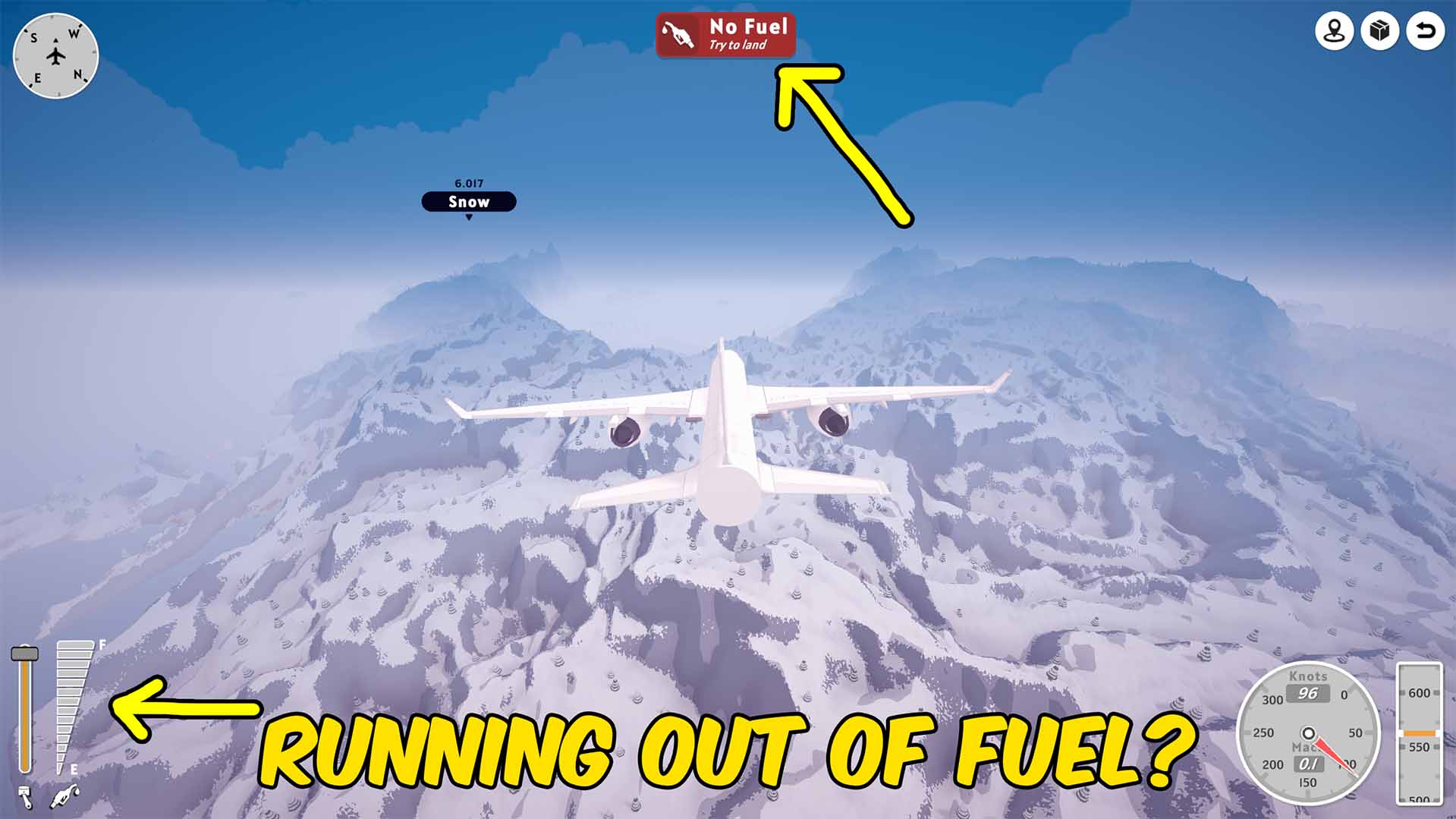
Infinite Fuel
Keeps the plane's fuel tank full while flying so fuel-powered engines never run dry.

Reveal Entire Map
Removes fog-of-war from the map so the full world and all airport locations remain visible.

Give Research Points
Adds chosen amounts of normal or advanced research points, with separate reset actions for both balances.