Want more mods for KOTAMON? Explore our entire collection!
Give Money
"Add any amount of money or reset your balance in one click."
How do I install Give Money?
Download the free ProjectMods desktop app, then install Give Money for KOTAMON in one click.
</>What does Give Money do?
Give Money puts you in control of your Kotamon balance. Choose the amount you need and add it instantly, whether you are buying upgrades, opening up new opportunities, or simply cutting down the time spent earning cash from garbage. The separate reset button sets the balance exactly to zero, making it useful for challenge runs and testing fresh-start ideas. Adding money does not automatically buy upgrades or complete the card collection, so you still decide how the funds are spent.
</>What is Give Money?
Give Money is a Kotamon money mod for players who want faster access to upgrades and collecting goals. It includes a custom amount field, an instant give button, and a separate balance reset for challenge runs or testing.
</>Common questions about Give Money
What does Give Money do in Kotamon?
Give Money for Kotamon adds a player-chosen amount directly to the current balance. Enter the amount you want, press Give Money, and the funds become available for upgrades and other purchases. The mod also includes a separate reset action that sets the balance exactly to zero. It changes money only, leaving cards, upgrades, collectibles, and garbage progress under your control.
How does the Money Amount option work?
The Money Amount option in Give Money for Kotamon controls the size of the next grant. You can enter a small amount for one purchase or a much larger amount for an upgraded playthrough. Pressing Give Money uses the amount currently shown in the action panel, so you can change it between uses. Existing money is kept and the selected amount is added on top.
Does Give Money automatically buy Kotamon upgrades?
No. Give Money for Kotamon only increases your available balance. It does not purchase upgrades, unlock cards, open cereal boxes, or complete collection goals. You remain responsible for deciding where the added funds go. This makes the mod useful when you want to shorten the money grind while keeping the normal upgrade choices and card-hunting decisions intact.
Can I remove all my money again?
Yes. Give Money for Kotamon has a dedicated Reset Money action that sets the current balance to zero. It does not subtract the selected Money Amount or leave a small remainder. This is useful for restarting a challenge after experimenting with a large balance, testing early progression, or correcting an accidental grant without beginning an entirely new save.
Why would I use Give Money during a Kotamon playthrough?
Give Money for Kotamon is useful when earning cash has become the only thing delaying the part of the game you want to play. It can fund upgrades for faster cleanup, support card-collection sessions, or help prepare a save for screenshots and videos. Because you select the amount yourself, the mod works equally well as a modest financial boost or a complete shortcut past money grinding.
What options does Give Money include?
Reset Money
Set your current money to zero.
Money Amount
Choose how much money to add.
Give Money
Add the chosen amount to your balance.
Give Money for Kotamon on ProjectMods lets you choose an amount, add it to your current balance, or reset your money to zero.
System Requirements
What features does Give Money include?
- Choose exactly how much money to add to your current balance.
- Add funds instantly without purchasing upgrades automatically.
- Reset the entire balance to zero with a separate action.
Best For
- Buy several upgrades without repeating the early garbage grind.
- Recover after spending money on an unwanted purchase.
- Start a self-imposed challenge with an empty balance.
More Mods for KOTAMON
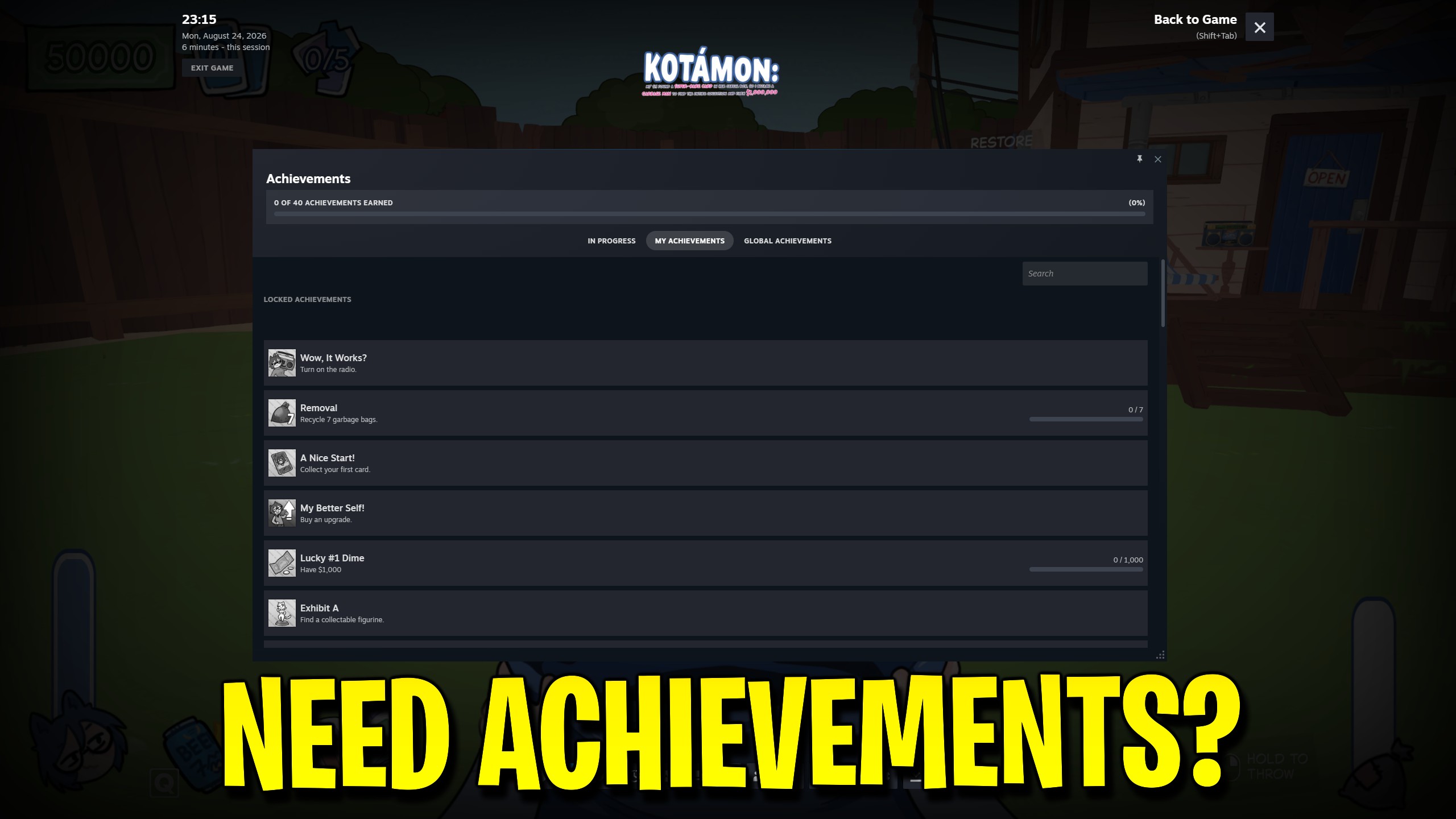
Achievement Unlocker
Choose any of Kotamon’s 40 Steam achievements, unlock the full list, or lock every achievement again.
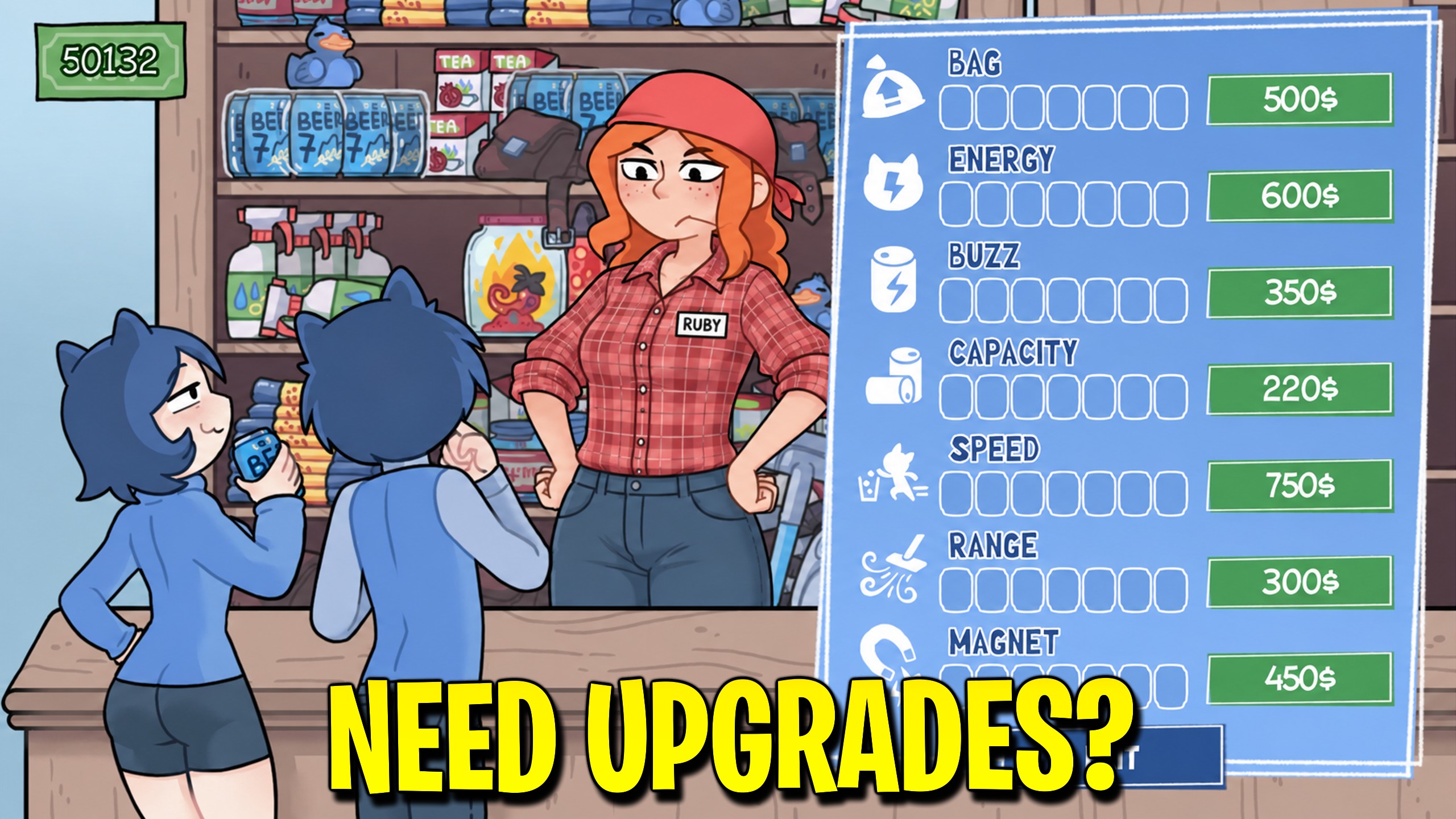
Upgrade Manager
Max or reset Kotamon energy, bag, storage, radius, drink, power, and magnet upgrades with one action.
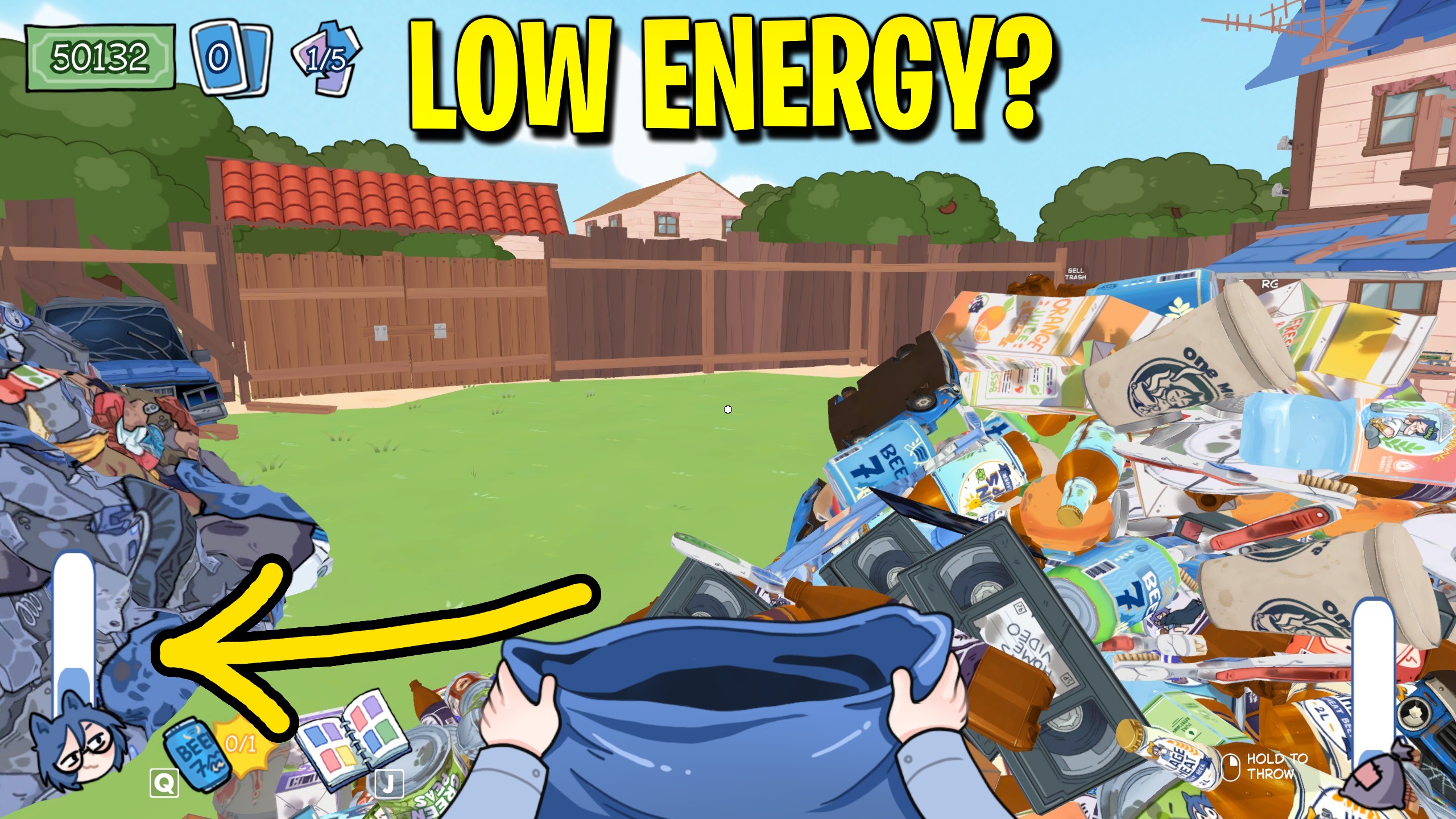
Infinite Energy
Keep energy topped up to your current maximum so cleanup sessions never stop for another drink.