Want more mods for Megastore: Tidy Up Together? Explore our entire collection!
Comfort Cam
"Your eyes, your rules."
How do I install Comfort Cam?
Download the free ProjectMods desktop app, then install Comfort Cam for Megastore: Tidy Up Together in one click.
</>What does Comfort Cam do?
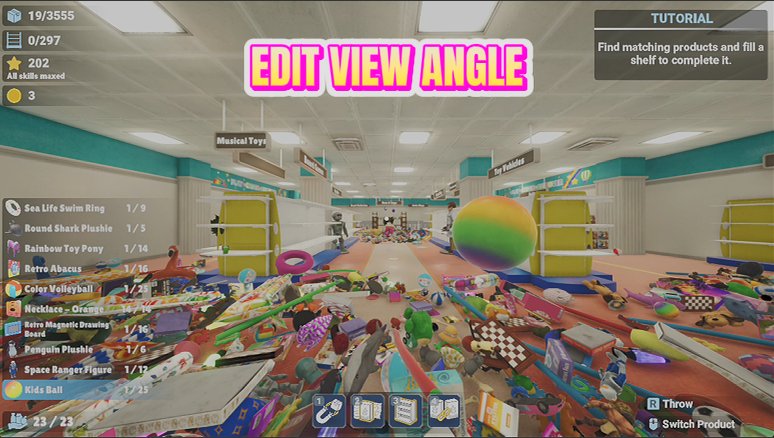
Cozy games deserve comfortable eyes. Comfort Cam gives you a wider range of field-of-view and a precise look-sensitivity dial, so the camera feels exactly right for you. Switch on Custom FOV and drag the slider to widen or tighten your view — great for taking in a whole department at a glance, or calming things down if wide views aren't your thing. The sensitivity multiplier scales your mouse feel from a gentle glide to a quick flick. Everything snaps back to normal the moment you turn it off.
</>What is Comfort Cam?
Comfort Cam gives Megastore: Tidy Up Together players a wider field-of-view range and a precise look-sensitivity dial for comfier long shifts. It installs in one click through ProjectMods, the community-first PC mod manager and desktop app for 400+ games, and everything snaps back to vanilla the moment you toggle off.
</>Common questions about Comfort Cam
What does Comfort Cam do in Megastore: Tidy Up Together?
Comfort Cam lets you fine-tune the camera in Megastore: Tidy Up Together beyond the standard settings. It adds a field-of-view slider that goes wider (or tighter) than the game normally allows, plus a look-sensitivity multiplier that scales how fast your view turns. Flip on Custom FOV, drag the sliders, and the store instantly looks and feels the way you want. Everything returns to the game's own settings the moment you switch it off, and the mod sits on ProjectMods' free tier.
How does the Custom FOV toggle work?
Custom FOV Enabled is the master switch for Comfort Cam's field-of-view override in Megastore: Tidy Up Together. While it's on, the Field Of View slider takes over and the camera uses whatever width you've chosen — wide enough to take in a whole department at a glance, or tighter if big views aren't your thing. Turn the switch off and the game's own FOV setting comes straight back, no restart needed. It's a clean either-or: your custom view or the vanilla one, never a messy mix.
What does the Look Sensitivity Multiplier change?
The Look Sensitivity Multiplier scales how fast your view turns in Megastore: Tidy Up Together. At 1.0 the camera feels exactly like the unmodded game; drop below 1.0 for a slower, more deliberate glide that's great for lining up neat shelf rows, or push above it for quick flicks when you're racing between departments. Because it's a multiplier on the game's own feel rather than a replacement, your existing in-game sensitivity setting still matters — Comfort Cam simply stretches or shrinks it to taste.
Why would I widen the FOV in a tidying game?
A wider field of view lets you see far more of the store at once in Megastore: Tidy Up Together — an entire aisle of shelves, the stray boxes on the floor, and the checkout in a single glance. That's genuinely useful for planning which department to hit next, spotting loose items you'd otherwise walk past, and keeping track of teammates in co-op. Some players go the other way and tighten the view for a calmer, cosier feel. Comfort Cam supports both — the slider is yours.
How does Comfort Cam pair with Turbo Trolley?
Beautifully — they solve two halves of the same problem. Turbo Trolley raises your walk and run speed in Megastore: Tidy Up Together, and Comfort Cam widens your view so the extra pace doesn't feel like tunnel vision. A broader FOV plus a slightly lower look sensitivity is the classic comfort recipe for high-speed play; it keeps fast movement smooth on the eyes during long sessions. Both mods live on the ProjectMods free tier, so you can run the pair together from day one.
What options does Comfort Cam include?
Look Sensitivity Multiplier
Scales how fast your view turns. 1.0 is the game's own feel.
Custom FOV Enabled
Master switch for the field-of-view override. Turn off to return to the game's own setting.
Field Of View
How wide your view is.
Comfort Cam is a free-tier ProjectMods mod for Megastore: Tidy Up Together that adds a custom field-of-view slider and a look-sensitivity multiplier, so you can widen your view and tune camera speed until the store feels just right.
System Requirements
What features does Comfort Cam include?
- Widens or tightens your field of view with a slider range well beyond the standard settings
- Scales mouse feel from a gentle glide to a quick flick with the look-sensitivity multiplier
- Adjusts live while you play, so you can tune the view mid-shift until it feels right
- Snaps everything back to the game's own camera the moment you flip the switch off
Best For
- Players who feel cramped or queasy at the standard view and want a wider, calmer camera
- Department planners who like taking in a whole aisle block at a glance before diving in
- High-DPI mouse owners whose turns feel twitchy and want them slowed to silky
- Streamers matching camera feel across the games they play so every broadcast controls the same
More Mods for Megastore: Tidy Up Together
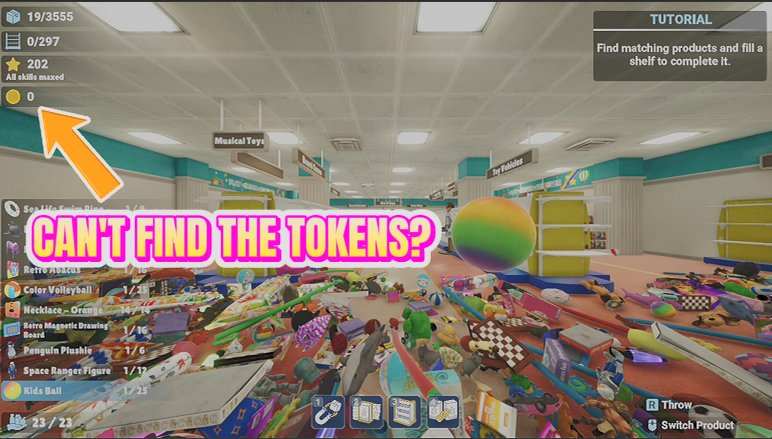
Coin Magnet
Sweep up every arcade coin hidden around the level in a single press, and top up your stash whenever you want to splash out at the arcade machines.
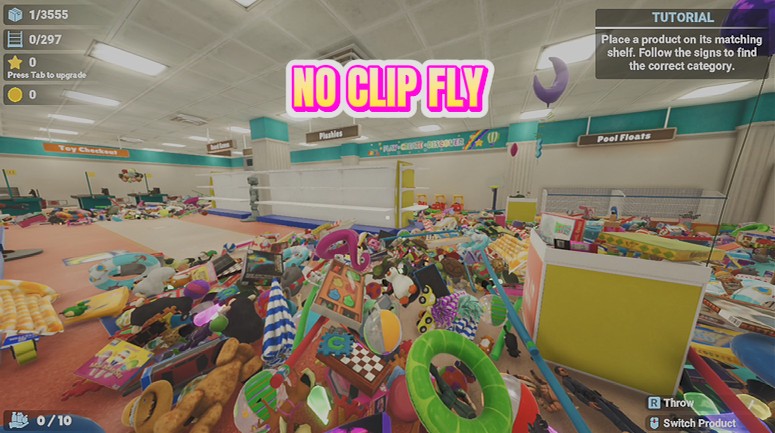
Stockroom Spirit
Fly freely around your store, and switch on no-clip to drift straight through shelves, walls and floors.
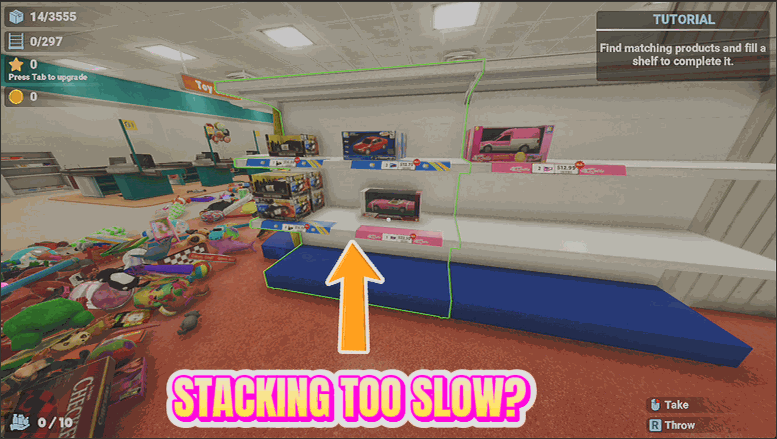
Tidy Wave
Send every loose item near you flying onto its correct shelf in one satisfying wave.