Want more mods for Supermarket Together? Explore our entire collection!
Give Money
"Add any amount of money or reset the store balance to zero."
How do I install Give Money?
Download the free ProjectMods desktop app, then install Give Money for Supermarket Together in one click.
</>What does Give Money do?
Adjust your Supermarket Together store funds whenever you need more room to build, stock products, hire staff, or test expensive upgrades. Enter the amount you want and add it directly to the current store balance. A separate reset action sets the balance exactly to zero. This makes it useful for testing purchases at different budgets, starting a controlled progression run, or clearing funds after experimenting with store layouts.
</>What is Give Money?
Give Money provides a configurable amount field, a dedicated give action, and a separate reset action. Added funds use the game's store balance system without adding franchise experience, while Reset Money removes the entire current balance.
</>Common questions about Give Money
Can I choose how much money to add?
Yes. Enter the amount you want before pressing Give Money.
What does Reset Money do?
It sets the current store balance exactly to zero.
Does adding money grant franchise experience?
No. The action changes store funds without adding franchise experience.
What options does Give Money include?
Reset Money
Set the store balance back to zero.
Money Amount
How much money to add.
Give Money
Add the selected amount of money.
Lets you enter any money amount to add and includes a separate reset action that sets store funds to zero.
System Requirements
What features does Give Money include?
- Add a custom amount to the current store balance.
- Reset store funds exactly to zero with a separate action.
- Change money without awarding additional franchise experience.
Best For
- Fund large restocks, expansions, and equipment purchases.
- Test store progression at a specific budget level.
- Reset funds before beginning a controlled economy run.
More Mods for Supermarket Together

Set Max Employees
Set the maximum number of employees available to the current store.

Fly
Fly around the store with adjustable fly and boost speeds, plus optional noclip for passing through walls, floors, and terrain.
Clutter Control
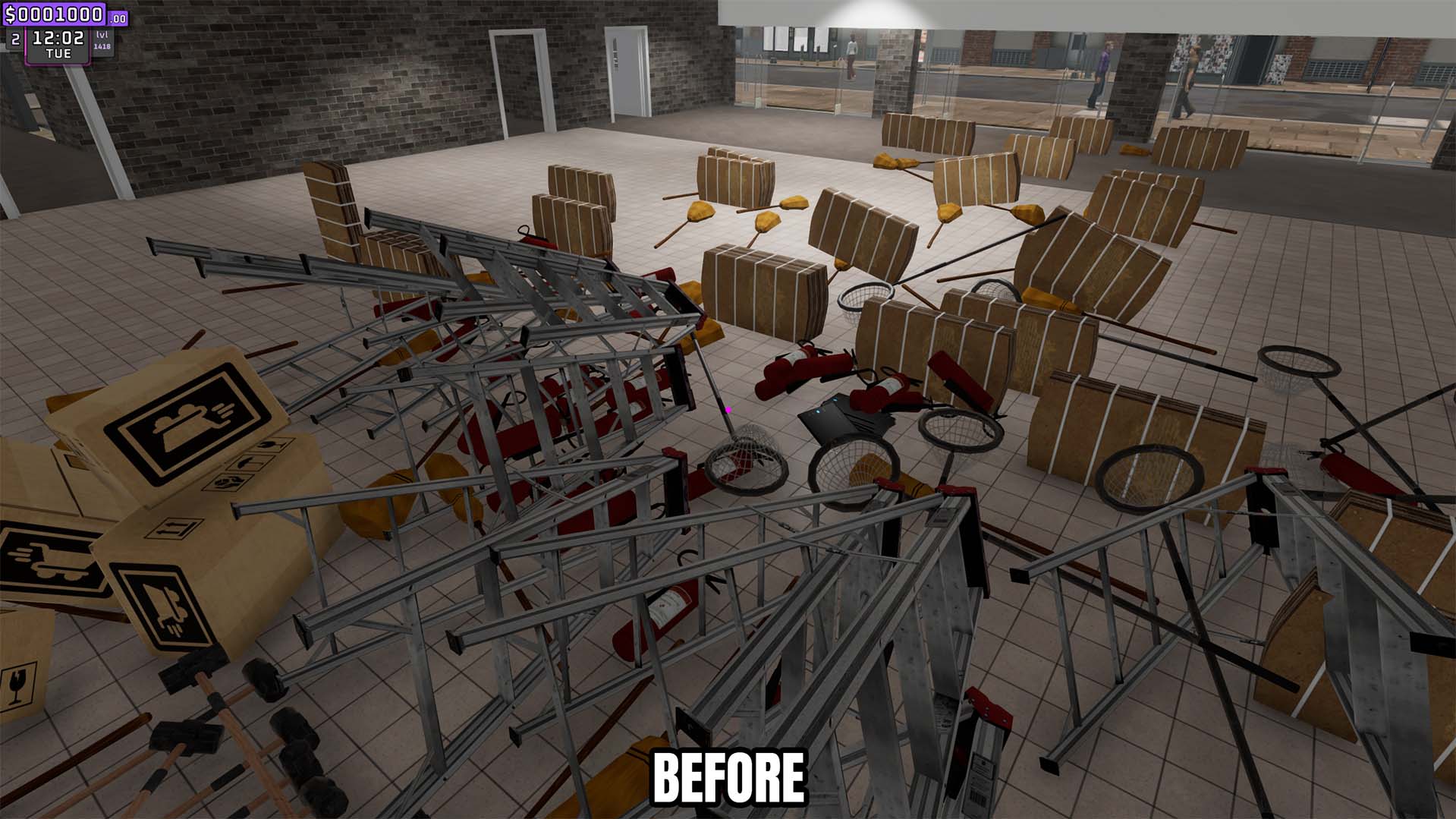
Remove loose trash instantly or automatically clear it on a configurable interval.