Want more mods for Wobbly Life? Explore our entire collection!
Spawner Tool
"Pick it, spawn it."
How do I install Spawner Tool?
Download the free ProjectMods desktop app, then install Spawner Tool for Wobbly Life in one click.
</>What does Spawner Tool do?
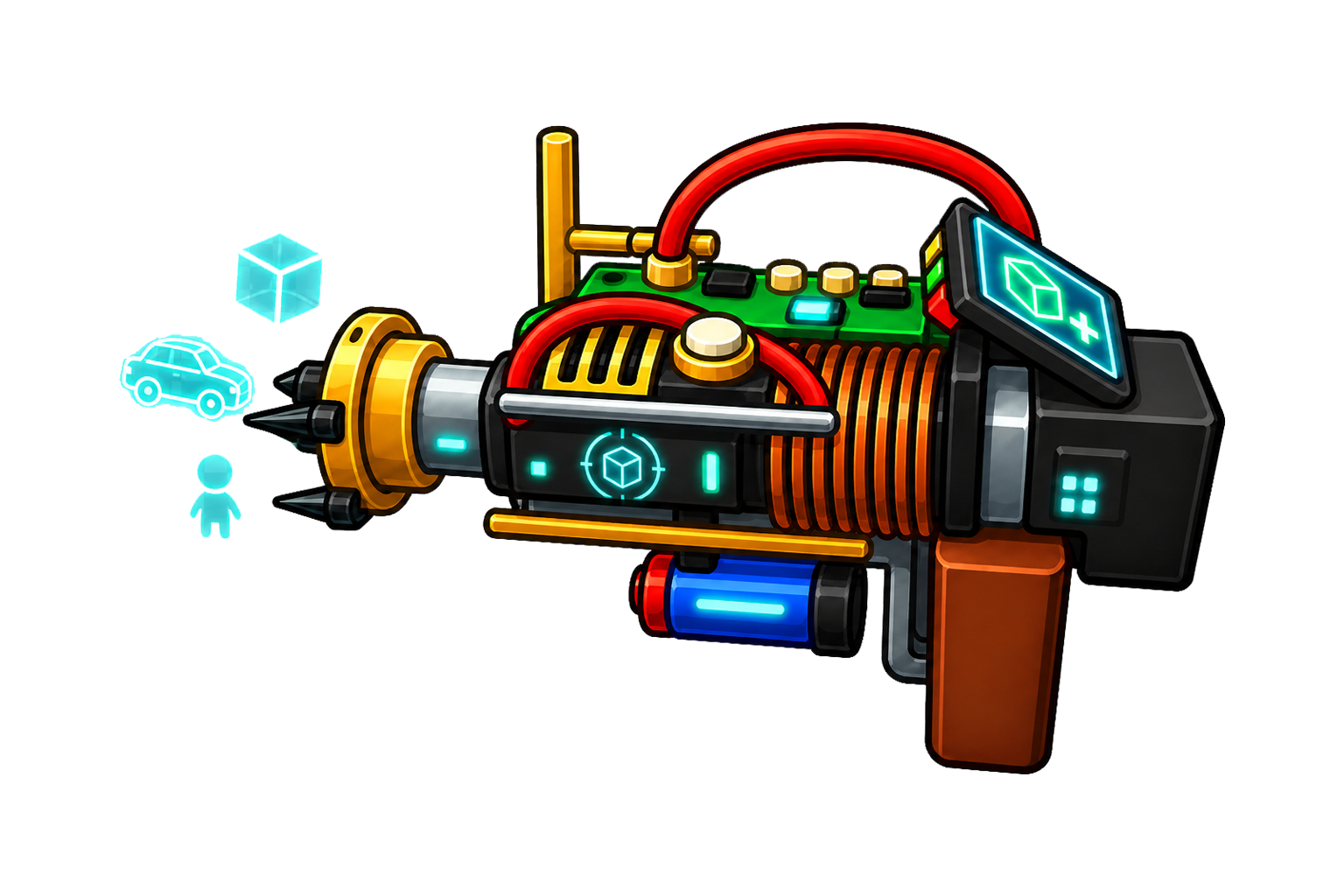
Spawner Tool is a custom item for spawning objects in Wobbly Life. Press R to open a searchable picker, choose a vehicle, prop, money, or item entry, then left click in the world to spawn it at your crosshair.
</>What is Spawner Tool?
Spawner Tool is a Wobbly Life custom item for sandbox spawning. Players can browse discovered vehicles and common props, search the catalog, select an entry, and spawn it into the world.
</>Common questions about Spawner Tool
How do I choose what to spawn?
Press R, search or browse the picker, then click an entry to select it.
How do I spawn the selected item?
Close the picker and left click where you want the selected entry to appear.
Spawner Tool lets players open a searchable spawn menu with R, select an item, and left click to spawn it.
System Requirements
What features does Spawner Tool include?
- R opens a searchable spawn picker
- Left click spawns the selected entry
- Includes discovered vehicles and common props
- Search supports item names and categories
Best For
- Build sandbox scenes
- Spawn vehicles quickly
- Test props and money pickups
More Mods for Wobbly Life
Vehicle Hunter
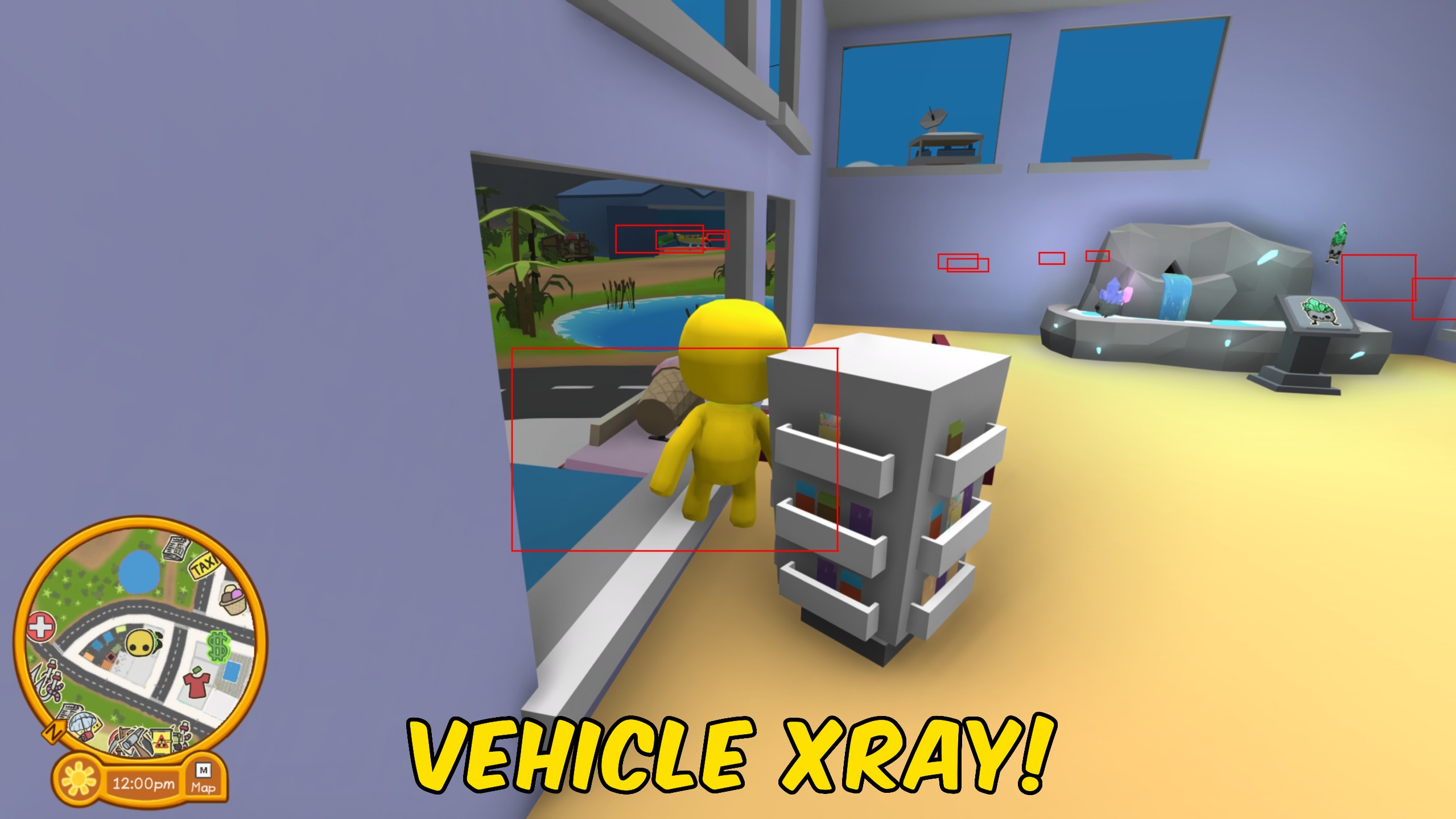
See where every vehicle is at a glance. Vehicle Hunter draws a box around each ride nearby and a line pointing straight to it - through walls and over hills if you want. Dial in how far to scan and pick your own highlight colour.
Wobbly Size
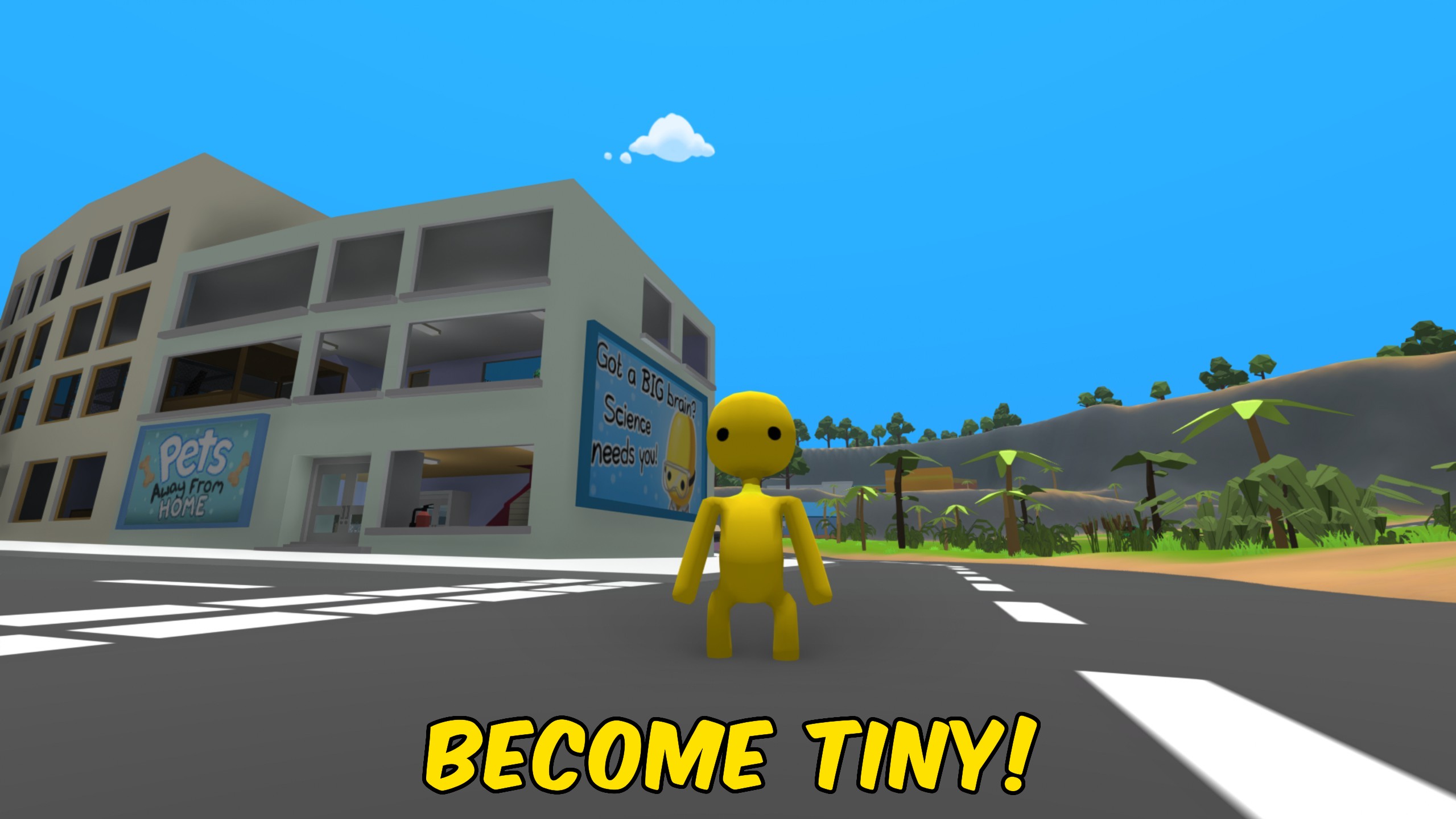
Choose a Size Multiplier, press Apply Size, and your Wobbly grows or shrinks on the spot. Reset Size returns you to normal height.
/WobblyLifeGhostProtocolOpacityVisibility1.jpg)
Ghost Protocol (Opacity & Visibility)
Turn any wobbly see-through - or fully invisible. Pick a player from the list, slide their opacity anywhere from solid to ghostly to completely gone, and hit apply. Great for hide-and-seek, spooky screenshots, or pranking your friends. One button puts them back to normal.