Want more mods for Wobbly Life? Explore our entire collection!
Wobbly GPS
"Follow coloured road routes to jobs and map waypoints."
How do I install Wobbly GPS?
Download the free ProjectMods desktop app, then install Wobbly GPS for Wobbly Life in one click.
</>What does Wobbly GPS do?
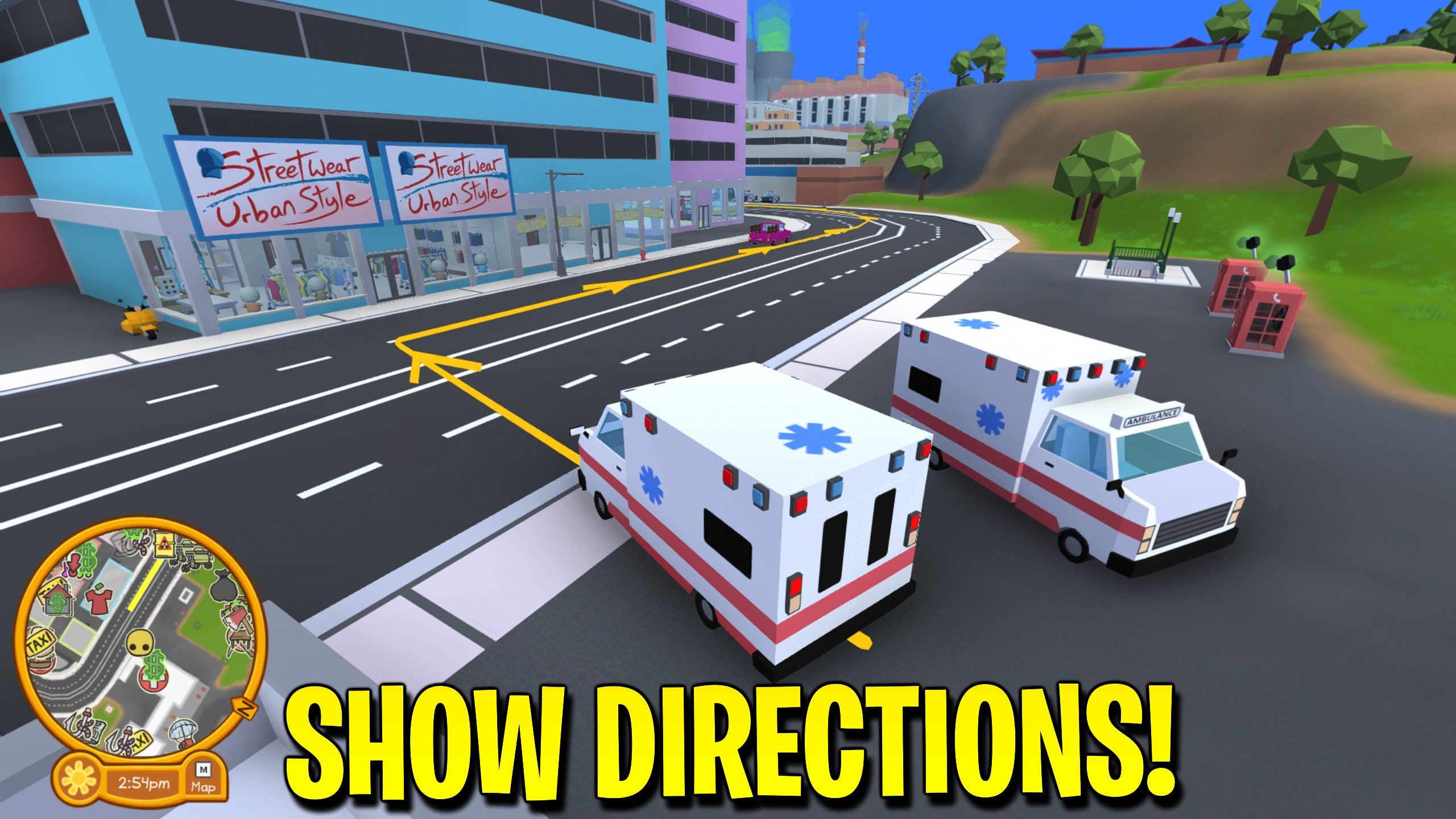
Wobbly GPS makes getting around Wobbly Life much easier. Active jobs gain a red route on the minimap, so taxi pickups, deliveries, and other marked objectives are easier to reach without guessing which roads to take. Your personal map waypoint keeps its familiar yellow minimap route and can now continue into the game world. A glowing line is shown by default, or you can switch to arrows, combine both styles, or hide the world guide. Job guidance uses red and personal waypoints use yellow, so they are easy to tell apart. Follow Roads keeps the guide on Wobbly Island's usual road route. Allow Shortcuts looks for quicker, open cuts across grass and carparks while avoiding obvious walls, buildings, steep slopes, and gaps. Job and waypoint guidance still have separate switches, letting you show only the directions you want.
</>What is Wobbly GPS?
Wobbly GPS adds clear directions for jobs and map waypoints in Wobbly Life. Active jobs receive a red minimap route, while personal waypoints can display a yellow guide above the ground. Follow the usual roads or allow quicker cuts across open grass and carparks. Choose a line, arrows, both, or no world guide, with separate switches for jobs and waypoints.
</>Common questions about Wobbly GPS
What does Wobbly GPS do in Wobbly Life?
Wobbly GPS gives Wobbly Life clearer directions for both jobs and personal map waypoints. When a job has a marked destination, the mod adds a red route to it on the minimap. When you place your own waypoint, the usual yellow minimap route can also appear above the roads in the game world. You can follow a continuous line, a trail of turning arrows, or both. Job and waypoint guidance each have their own switch, so the display can stay as simple as you prefer.
How does the red job route work in Wobbly GPS?
The red job route in Wobbly GPS follows the destination currently shown by your active Wobbly Life job. For a taxi job, that can be the passenger pickup first and the drop-off afterward. As the objective changes, the route updates to the new destination. The red path appears on the minimap and can also appear over the road when World Guide is enabled. Jobs without a marked road destination may not produce a route, because there is no single place for the GPS to lead you.
Can Wobbly GPS show directions without using the minimap?
Yes. Wobbly GPS can place a coloured guide just above the ground in Wobbly Life, making turns visible while you drive. Line Only is the default for a clean route, while Line + Arrows adds turn markers and Arrows Only gives you a lighter display. Job directions are red and personal-waypoint directions are yellow. Follow Roads stays with the normal road layout, while Allow Shortcuts can trim longer detours across open grass and carparks when the ground looks passable.
What can I change in the Wobbly GPS controls?
Wobbly GPS keeps its Wobbly Life controls compact. Guide Jobs turns the red job route on or off, while Guide Waypoints controls the yellow directions for waypoints you place yourself. World Guide chooses Line Only, Line + Arrows, Arrows Only, or Off, with Line Only selected by default. Route Planning lets you follow the usual roads or allow quicker cuts across open ground. Choosing Off removes the world display but leaves the extra red job route available on the minimap.
Why might a route disappear or stop before the destination?
Wobbly GPS hides a route when Wobbly Life no longer has a matching destination, such as after removing a waypoint, finishing a job step, or leaving the world. A new route appears when the next marked objective becomes available. Shortcut planning is cautious: it rejects obvious buildings, walls, steep ground, and gaps, but Wobbly Island can still contain props or terrain that are awkward for a vehicle. Treat the line as a helpful suggestion and return to Follow Roads whenever a shortcut looks too adventurous.
What options does Wobbly GPS include?
Guide Jobs
Show a red route to the destination for your current job.
Guide Waypoints
Show yellow road directions to the waypoint you place on the map.
World Guide
Choose what you want to follow above the road.
Route Planning
Keep the world guide on roads, or look for quicker cuts across open ground.
Wobbly GPS is a ProjectMods mod for Wobbly Life that adds red job routes and yellow in-world directions for your personal map waypoint.
System Requirements
What features does Wobbly GPS include?
- Add a red minimap route to the destination for your active job
- Show a yellow road guide for the personal waypoint you place on the map
- Choose a glowing line, turning arrows, both together, or minimap-only guidance
- Allow shorter cuts across open grass and carparks instead of following every road
- Switch job and personal-waypoint directions on or off separately
Best For
- Finding the next taxi pickup or drop-off without guessing at each junction
- Driving to a personal waypoint while keeping your eyes on the road
- Following job and waypoint destinations that are far across Wobbly Island
- Keeping only the red minimap job route when world directions feel too busy
More Mods for Wobbly Life
/WobblyLifeNightPatrol1.jpg)
Night Patrol (Bat Hero Kit)
Glide across rooftops on your cape and send bat swarms to knock things flying or fetch items to your feet. Detective Vision marks everyone on the island straight through walls.
Change Player Name
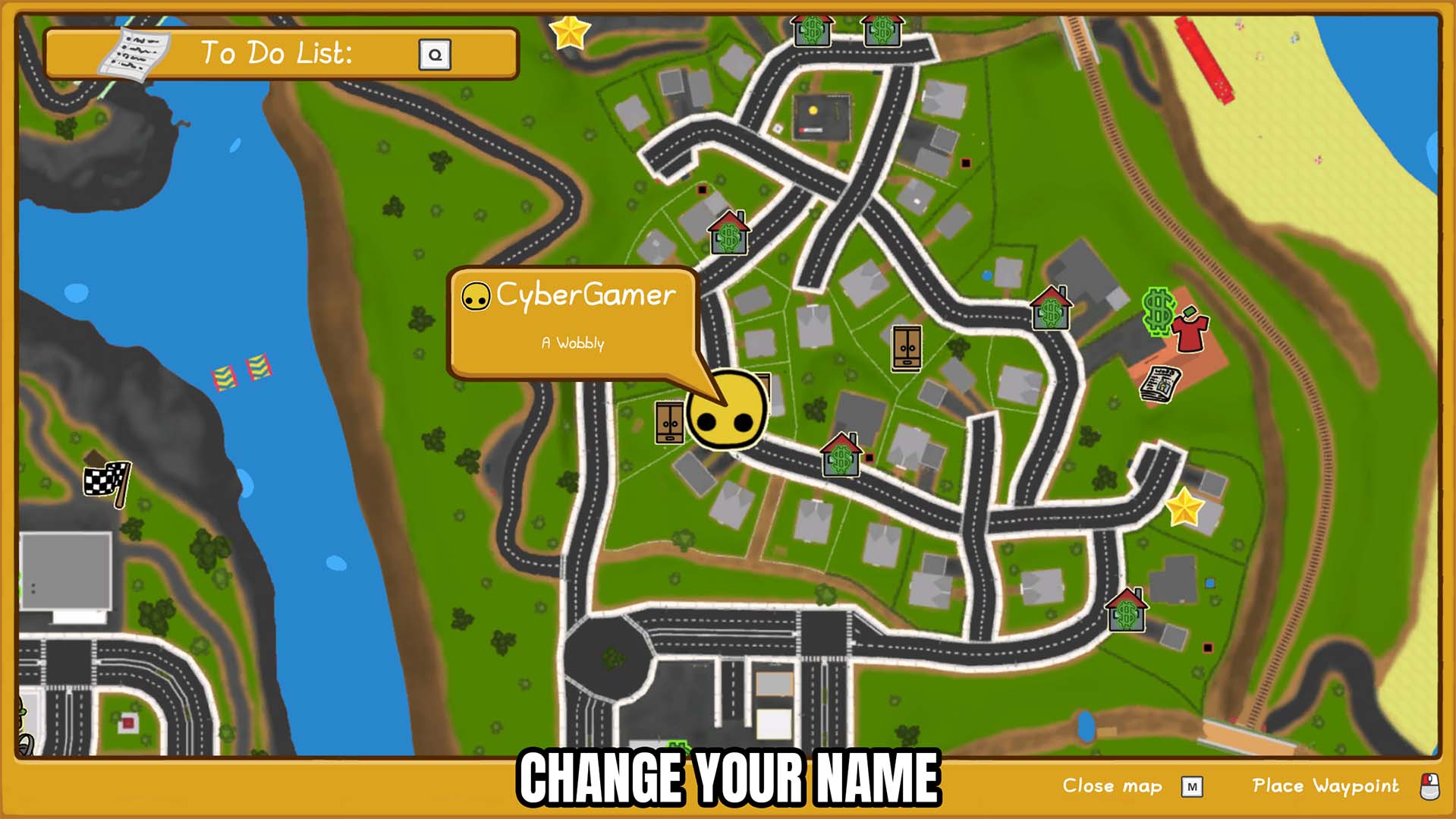
Change your Wobbly Life player name while you are in-game and update it across the current multiplayer lobby.
Freeze Ray
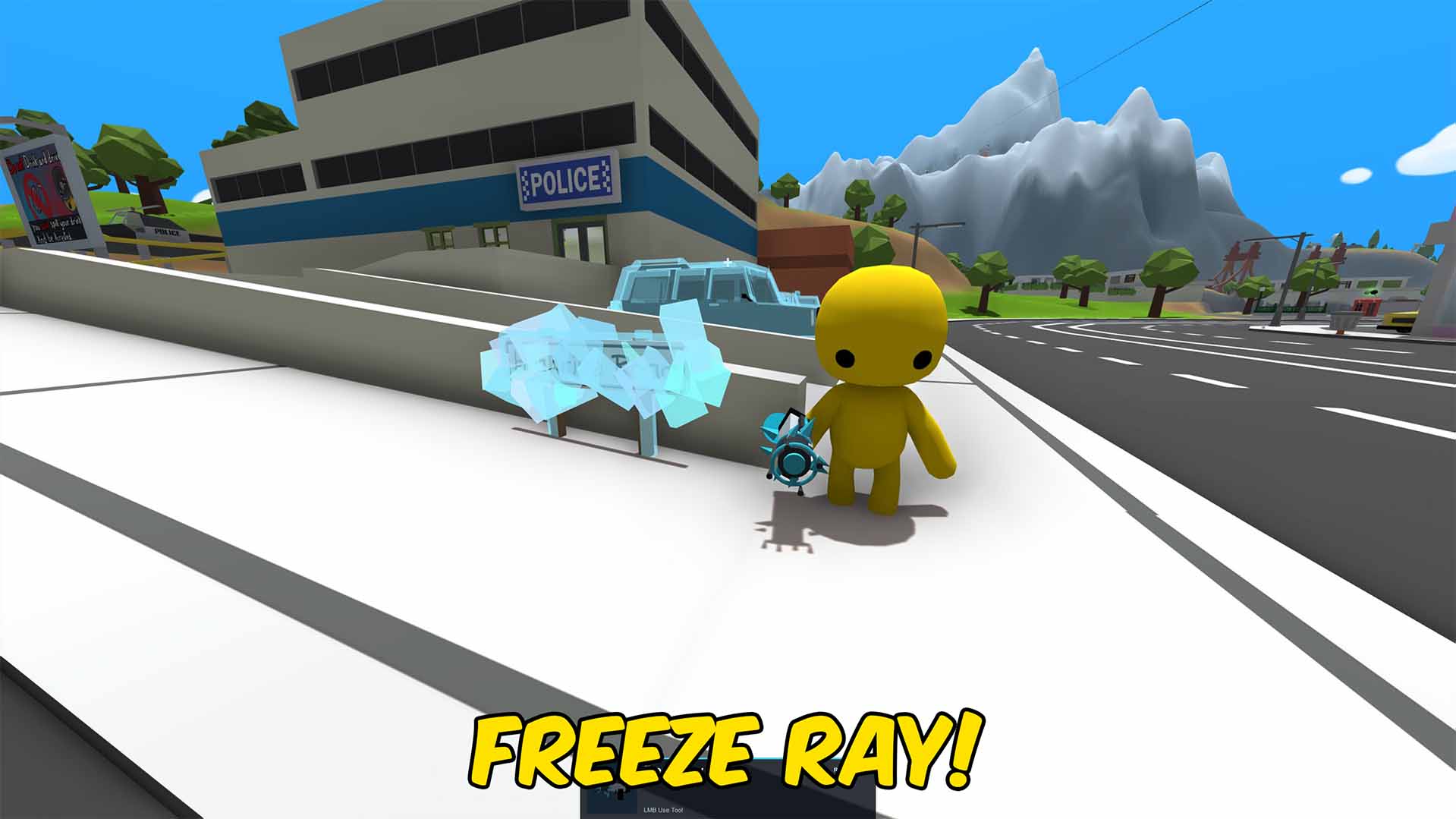
Aim at a car, prop, or player and lock them in a block of ice, then thaw them when you are done.