Want more mods for Big Ambitions? Explore our entire collection!
Stock Room
"Whatever you need, it's already out the back."
How do I install Stock Room?
Download the free ProjectMods desktop app, then install Stock Room for Big Ambitions in one click.
</>What does Stock Room do?
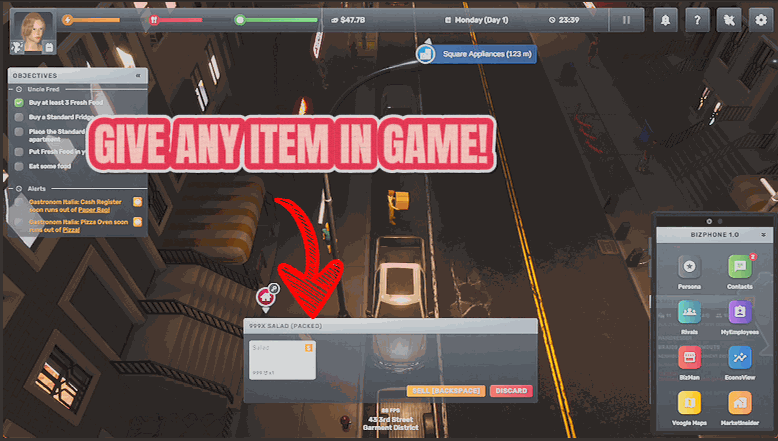
Getting a specific product into a specific shop in Big Ambitions means finding a supplier, placing an order and waiting for the van. Stock Room skips straight to the part where you have it. Press Refresh List to load every product the game knows about, pick one, choose how many, and it's in your hands ready to place. Products are grouped by family in the list, so searching for the category brings up everything in it rather than scattering the raw goods under their own names. Handy for stocking a brand new store the moment you sign the lease, for testing whether a product line actually sells before you commit to a supplier, or for topping up the one item that always runs out first. Stand on foot with empty hands when you press it, since the goods come straight to you.
</>What is Stock Room?
Stock Room skips the supplier dance in Big Ambitions: pick any product from the full catalogue, choose a quantity, and it's in your hands ready to place. Perfect for stocking a fresh lease or testing a product line before committing. A premium mod from ProjectMods, the community-first PC mod manager.
</>Common questions about Stock Room
What does Stock Room do in Big Ambitions?
Stock Room hands you any product in Big Ambitions without a supplier, an order or a delivery window. Press Refresh List to load the game's full product catalogue into the dropdown, pick what you need, set a quantity, and press Fetch From The Back — the goods are in your hands, ready to place on shelves or into storage. It covers everything the game knows about, so whether you're stocking a brand-new store or topping up the one item that always sells out first, the answer is already out the back.
Why is the Product dropdown empty when I first load in?
Press Refresh List first — the catalogue loads on demand. Stock Room reads the product list from your running copy of Big Ambitions rather than carrying a stale copy of its own, which keeps it correct even as the game updates. The first time you open the mod each session, the dropdown starts empty until you press Refresh List; after that, every product is there to pick from. It's a one-time step per session, not a bug.
How are products organised in the list?
By family, so categories stay together. Stock Room groups the Big Ambitions catalogue by product family rather than scattering raw goods alphabetically under their individual names — searching for a category surfaces everything that belongs to it in one place. That makes stocking realistic baskets much faster: kitting out a gift shop or a grocery means walking one family at a time instead of hunting individual items across a flat list of everything the game contains.
How should I stand when I press Fetch From The Back?
On foot, with empty hands. Stock Room delivers the goods directly to you in Big Ambitions, so you need to be able to receive them — standing as a pedestrian with nothing held, rather than sitting in a vehicle or mid-interaction. Get in position, press Fetch From The Back, and the products arrive ready to place wherever they're needed. If a fetch ever seems to do nothing, hands-full is the usual reason: put down what you're carrying and press again.
When is Stock Room better than ordering from a supplier?
When time or certainty matters more than process. Stocking a new Big Ambitions lease through suppliers means contracts, scheduling and a wait; Stock Room fills the shelves the moment you sign. It's also the honest way to test a product line — fetch a small batch, see whether it actually sells at your price point, and only then commit to a standing supplier contract. And for the one item that always runs dry first, a quick fetch beats renegotiating an order. For routine volume, suppliers still make sense; Stock Room covers everything they're too slow for.
What options does Stock Room include?
Fetch From The Back
Puts the product in your hands, ready to place.
Refresh List
Loads every product in the game into the dropdown above.
Product
Which product to fetch. Press Refresh List first.
How Many
How many of it to bring you.
Stock Room is a premium Big Ambitions mod from ProjectMods that hands you any product in the game, in any quantity, with no supplier order and no delivery window.
System Requirements
What features does Stock Room include?
- Hands you any product in the game, in whatever quantity you type
- Skips suppliers, orders and delivery vans entirely — the goods arrive ready to place
- Groups products by family in the list, so one search brings up the whole category
- Loads the complete product catalogue with a single press of Refresh List
Best For
- Lease-day stockers filling a brand new store the moment the keys are theirs
- Product-line testers checking whether something sells before signing a supplier contract
- Shopkeepers topping up the one item that always runs out first, without waiting on a van
- Layout designers dressing shelves for the perfect shop-tour screenshot
More Mods for Big Ambitions
Seed Round
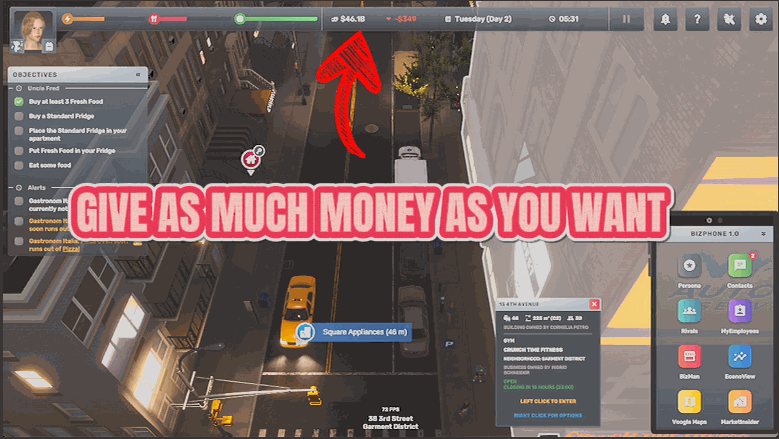
Drop any amount of cash straight into your account, set your balance to an exact figure, or wipe it back to zero.
Night Owl
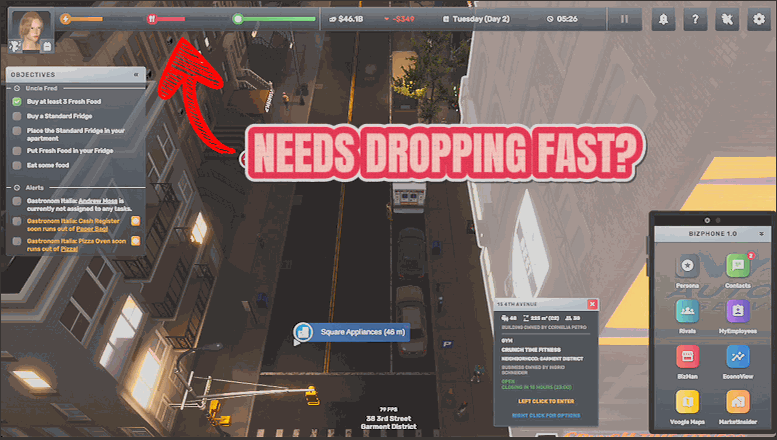
Keeps your energy, hunger and mood pinned at full, and optionally stops you ageing at all.
Ivy League
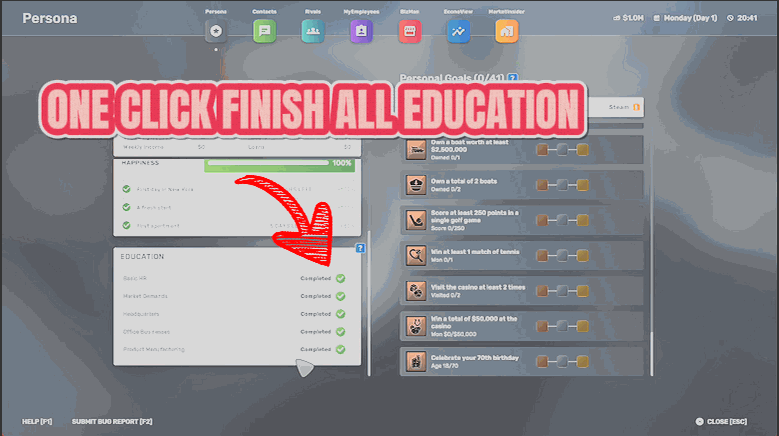
Completes every course and adds every business contact, so nothing is gated behind study time.