Want more mods for Low-Budget Repairs? Explore our entire collection!
Site Ghost
"Through the wall is a perfectly good route."
How do I install Site Ghost?
Download the free ProjectMods desktop app, then install Site Ghost for Low-Budget Repairs in one click.
</>What does Site Ghost do?
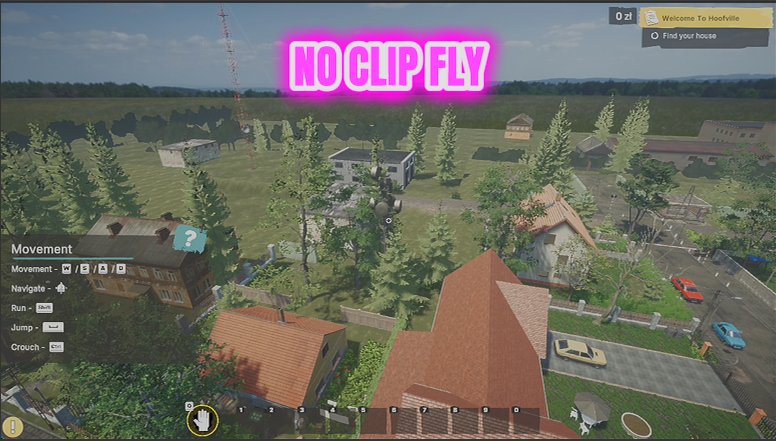
Sometimes you just want to see the whole block. Site Ghost lifts you off the floor and lets you drift through it - up the stairwell without the stairs, into the flat above to check what you are about to inherit, out the window for a look at the building from outside. Movement follows where you are looking, so it flies the way you expect. W, A, S and D move you, Space takes you up, Left Ctrl brings you down, and holding Left Shift switches to the faster speed. Both speeds have their own sliders. Leave Noclip on and nothing can stop you - walls, floors and furniture all become suggestions. Turn Noclip off and you get collision-aware flight instead, which is better for lining up a screenshot without drifting into a wall. Landing puts you back to normal walking straight away.
</>What is Site Ghost?
Site Ghost lets you see a whole block in Low-Budget Repairs: up the stairwell without the stairs, into the flat above to check what you are about to inherit, or out of a window for a look at the building. Flight follows where you are looking, with W A S D to move, Space up, Left Ctrl down and Left Shift for the faster of two speeds.
</>Common questions about Site Ghost
What does Site Ghost do in Low-Budget Repairs?
Site Ghost lifts you off the floor and lets you fly through a Low-Budget Repairs block, straight through walls and floors if you want. Go up through the ceiling instead of round to the stairwell, drop into a flat you have not been given the keys to yet, or step out of a window and look back at the whole building. Flight follows where you are looking, so it goes where you expect. Switching it off puts gravity, collision and ordinary walking straight back.
What are the Site Ghost flight controls?
W, A, S and D move you, Space takes you up, Left Ctrl brings you down, and holding Left Shift switches to the faster of two speeds. Direction follows the camera, so you fly wherever you are looking rather than being locked to a fixed axis. It is deliberately the layout people already expect, which means there is nothing to learn before you start drifting around a Low-Budget Repairs block. Both speeds have their own sliders.
What changes when I turn Noclip off?
With Noclip on, nothing stops you. Walls, floors and furniture all become suggestions, which is what you want for getting around a whole Low-Budget Repairs block quickly. Turn Noclip off and you get collision-aware flight instead: you still leave the ground and still fly wherever you look, but you bump into things like normal. That second mode is the better one for lining up a screenshot, because you can rest against a surface instead of drifting slowly through it.
Can I change how fast Site Ghost flies?
Yes, with two separate sliders. Fly Speed sets your normal drift, and Shift Speed sets how fast you go while holding Left Shift, so you can have a slow, controllable pace for detail work and a quick one for crossing a whole Low-Budget Repairs building. Setting the normal speed low and the boost high tends to work best, giving you precision when you need it and speed when you do not. Landing puts you back to normal walking immediately.
Why would I use Site Ghost in a renovation game?
Scouting and filming, mostly. Being able to see the flat above before you take the job on, or look at the whole block from outside, changes how you plan your way through Low-Budget Repairs. For content creators it is the difference between a flat walkthrough and a proper reveal shot of a finished room. It also pairs sensibly with Hard Hat, since dropping out of the sky into a stairwell tends to end the way you would expect.
What options does Site Ghost include?
Shift Speed
How fast you go while holding Left Shift.
Fly Speed
How fast you drift around normally.
Noclip
Lets you pass straight through walls and floors. Turn it off for flight that still bumps into things.
Fly Enabled
Lifts you off the floor. W A S D to move, Space up, Left Ctrl down, Left Shift for the faster speed.
Site Ghost lifts you off the floor in Low-Budget Repairs and lets you fly wherever you look, passing through walls and floors with noclip on and bumping into them with it off. Available from ProjectMods.
System Requirements
What features does Site Ghost include?
- Lifts you off the floor and flies where you look - W A S D to move, Space up, Left Ctrl down
- Passes straight through walls, floors and furniture, so a stairwell is never in your way
- Turn Noclip off for flight that still bumps into things - better for lining up a shot
- Tune both speeds separately: a gentle drift for precision, Left Shift for crossing the block
Best For
- Taking a look at the flat above to see what you are about to inherit
- Getting outside for a view of the whole block without walking down five flights of stairs
- Creators lining up an overhead shot of a finished room you cannot reach on foot
- Curious players who want to see how these 90s apartment blocks are actually put together
More Mods for Low-Budget Repairs
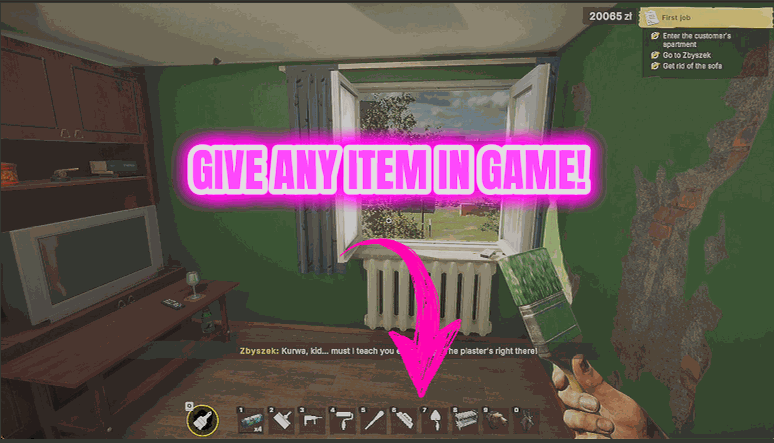
Supply Run
Hands you any item in the game directly, so you never have to drive back for one missing thing.
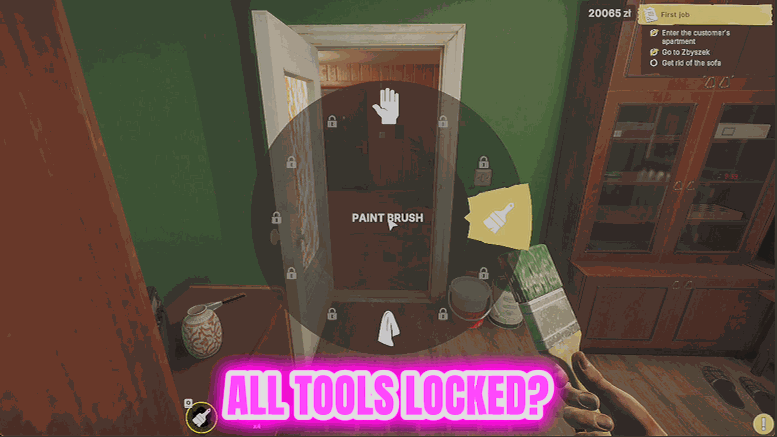
Toolbox Deluxe
Takes every tool you own straight to its best version, so the work is faster and cleaner from the start.
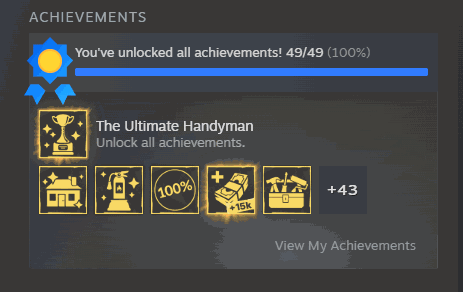
Certified Tradesman
Unlocks the game's full achievement list in one press and tells you exactly how many actually landed.